Step-by-step guide to enable geolocation and physical activity permissions on your phone so the app can properly track your sustainable trips.
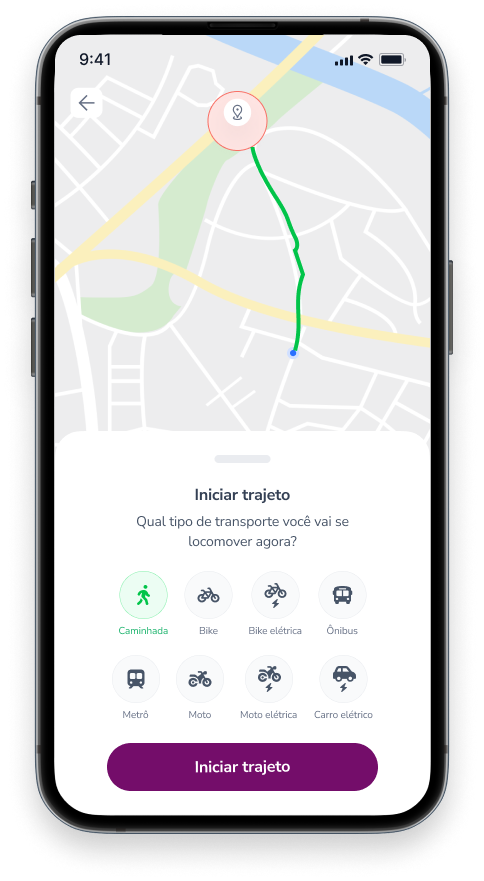
The Ecomiles app uses your phone’s geolocation to record trips across the different transportation modes available.
When you start your first trip after creating your account, the app will request two permissions: Physical activity tracking and Location access.
Both permissions need to be enabled for the app to properly record your trip. In particular, location access should be set to “Allow all the time.”
Battery settings, such as power-saving mode, can also affect GPS accuracy. To avoid issues, make sure battery usage is set to “No restrictions.”
If you accidentally selected a different option, don’t worry. You can still adjust these settings directly on your device. Just press and hold the app icon for a few seconds to access the settings.
You can also check this short guide video for help:
Colocar vídeo em inglês